Disclaimer: This project is under the protection of NDA, thus sensitive information is obscured. For more information, please email louieweng58@gmail.com
Problem Statement
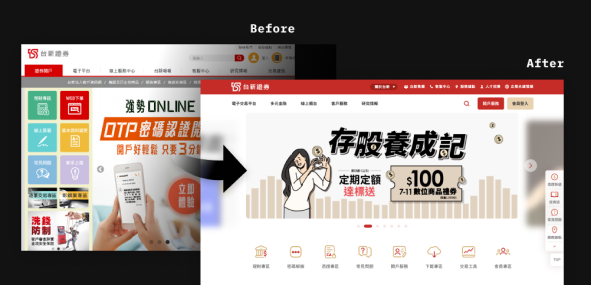
Given that the Taishin Securities’ website was outdated, lacking in usability, and falling behind competitors, our team was entrusted to revamp the existing website.
Target Audience
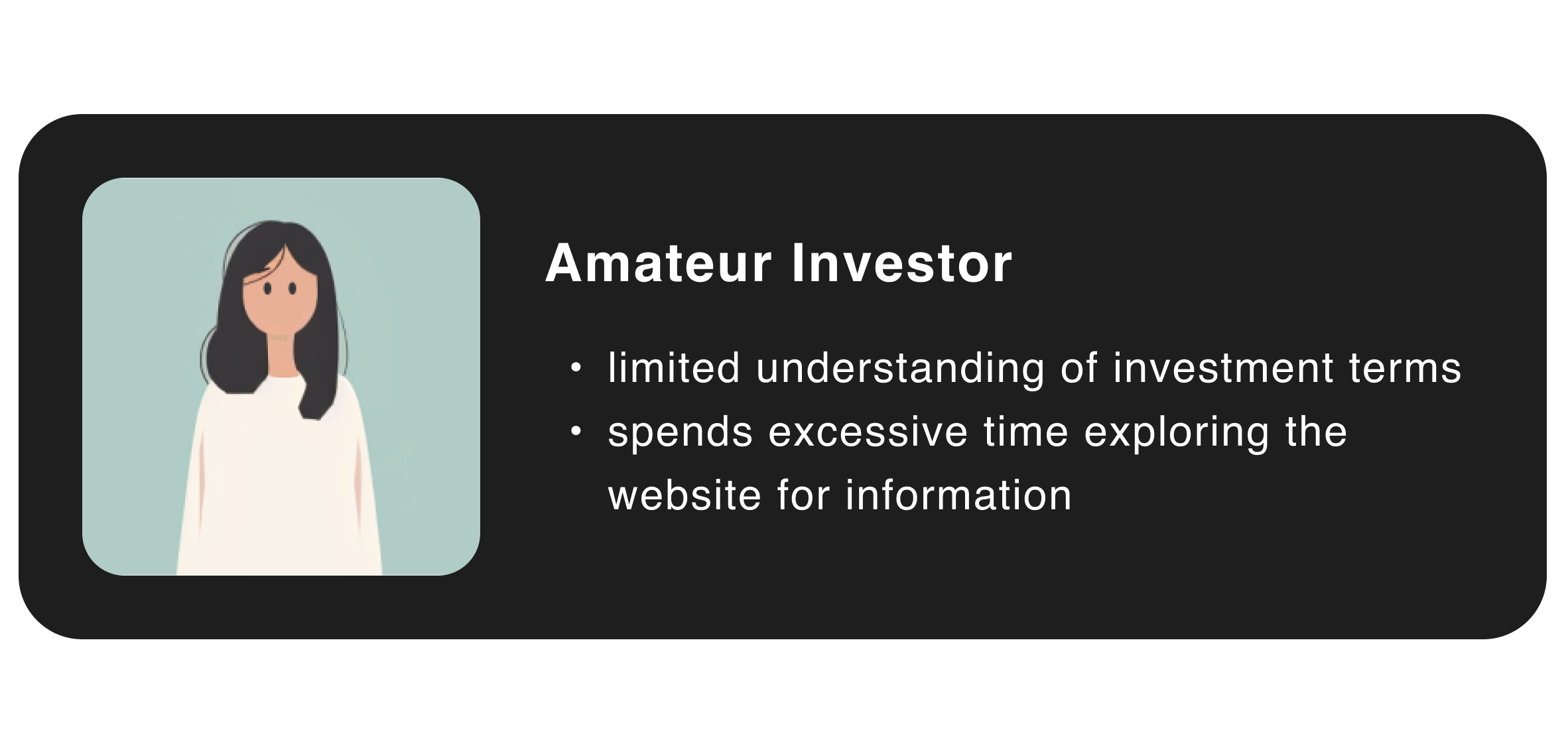
Based on Google Analytics, Taishin Securities targets young, novice users. Therefore, the design direction focuses on presenting information in a "youthful and easily understandable" manner.
My Goal: Redesign the Stock Affairs Page for Amateurs
After recieving the mission, the first thing I did was go through all the current pages to learn about the stock affairs Taishin offer and find out the underlying problems. I also jotted down what problems I faced while browsing, which I believe would be close to customers’ real pain point since I was a new user with a fresh eye.
Painpoint #1
Content isn’t curated for users to consume easily.
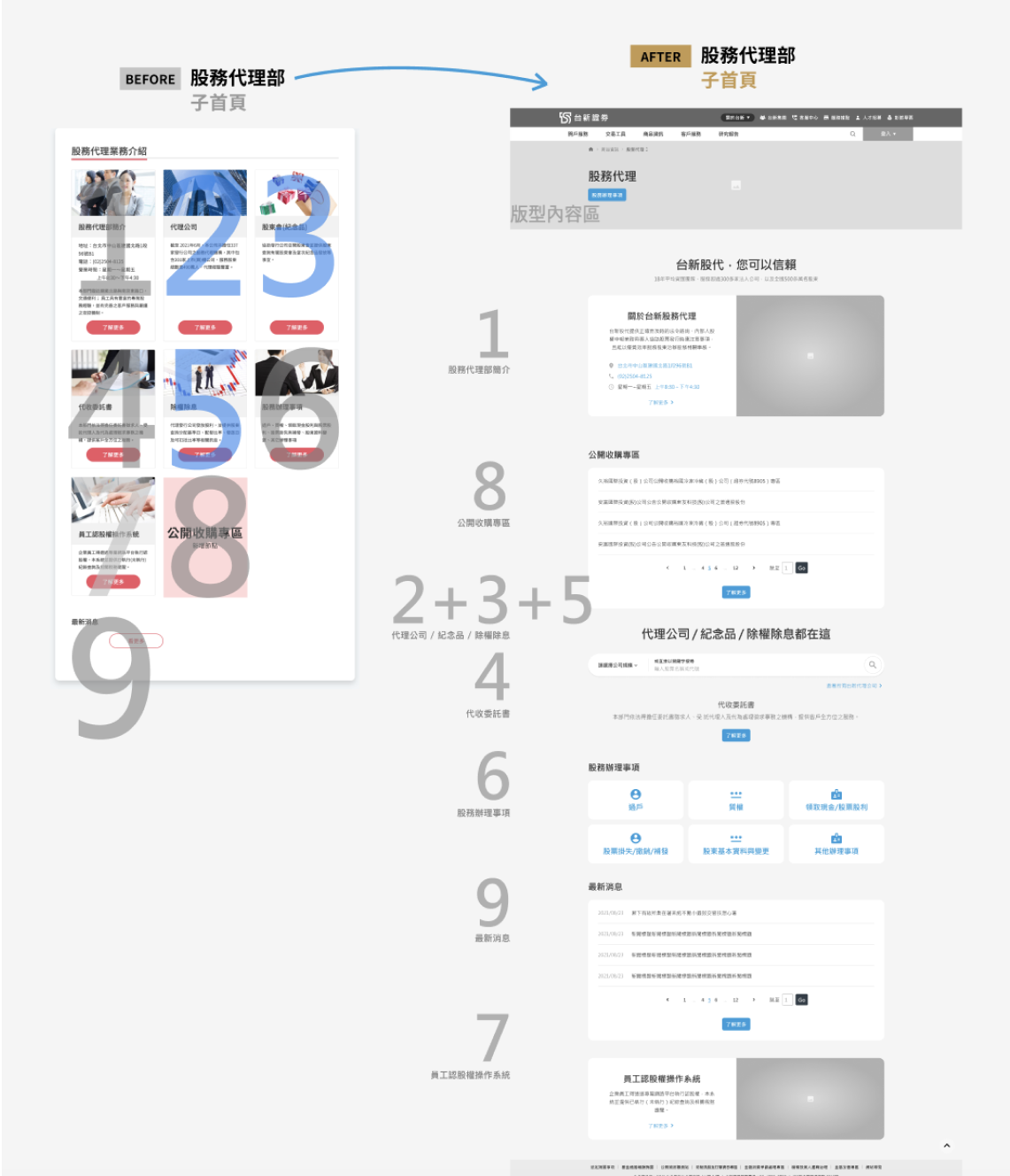
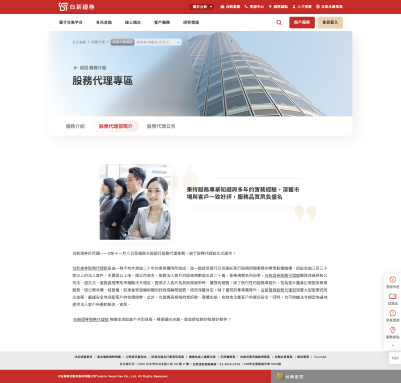
Since the 8 services are presented at the same level of importance(no hierarchy), users have to think before they click on the right option.
Painpoint #2
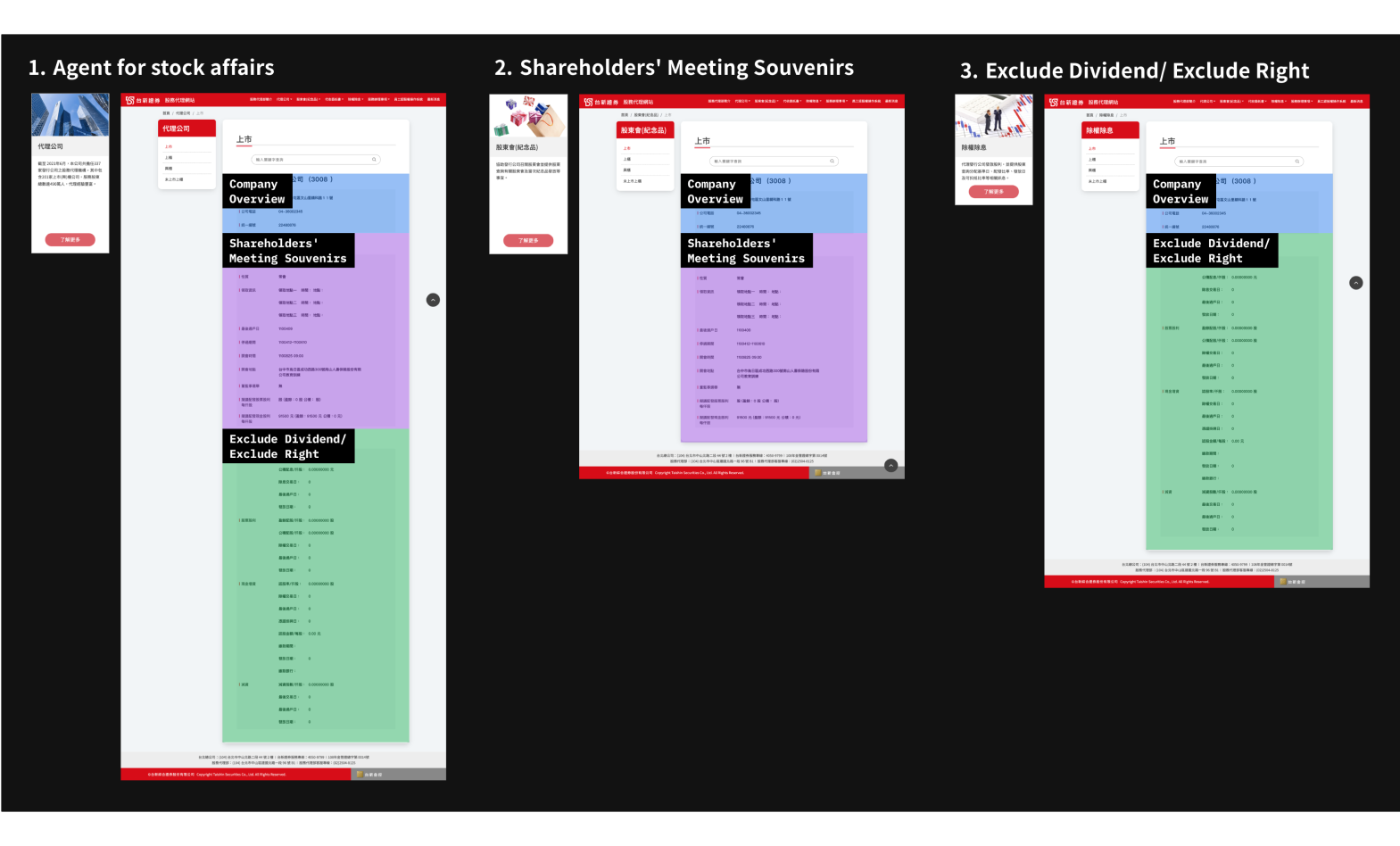
Redundant information decreases the efficiency of finding information.
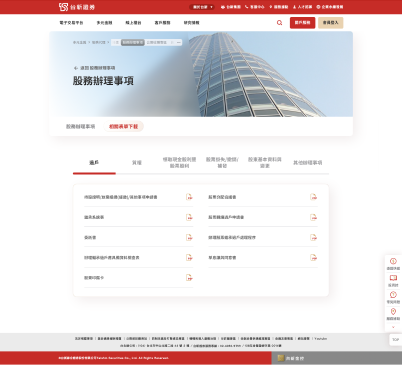
Highly-related information are scattered in different pages, thus users have to visit extra pages to gather all information.
Painpoint #3
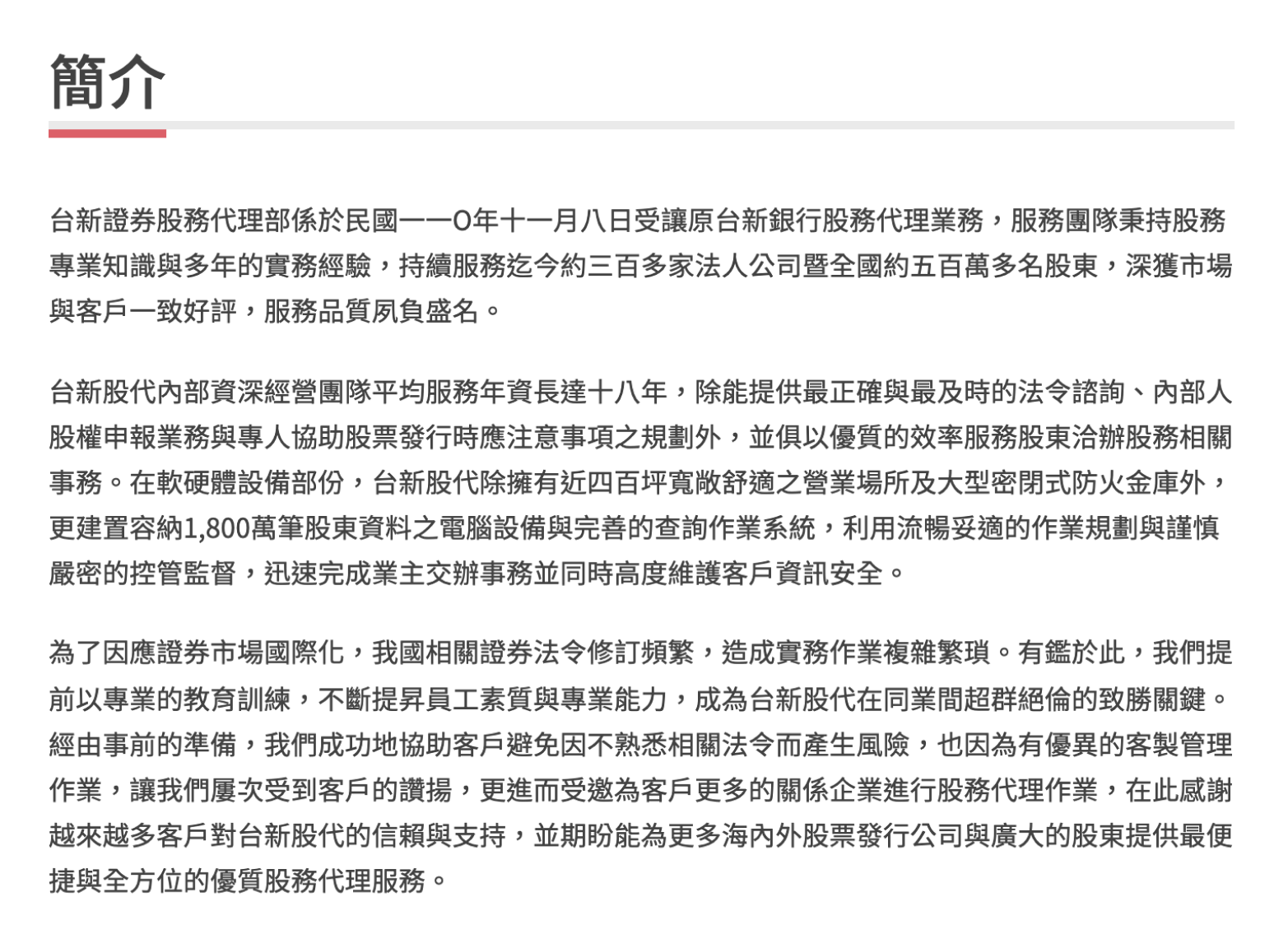
Unwanted content wastes users’ scarce attention.
A large portion of the content provided doesn’t cater to user needs, and doesn’t attract users to finish reading.
My Design Process
Step 1
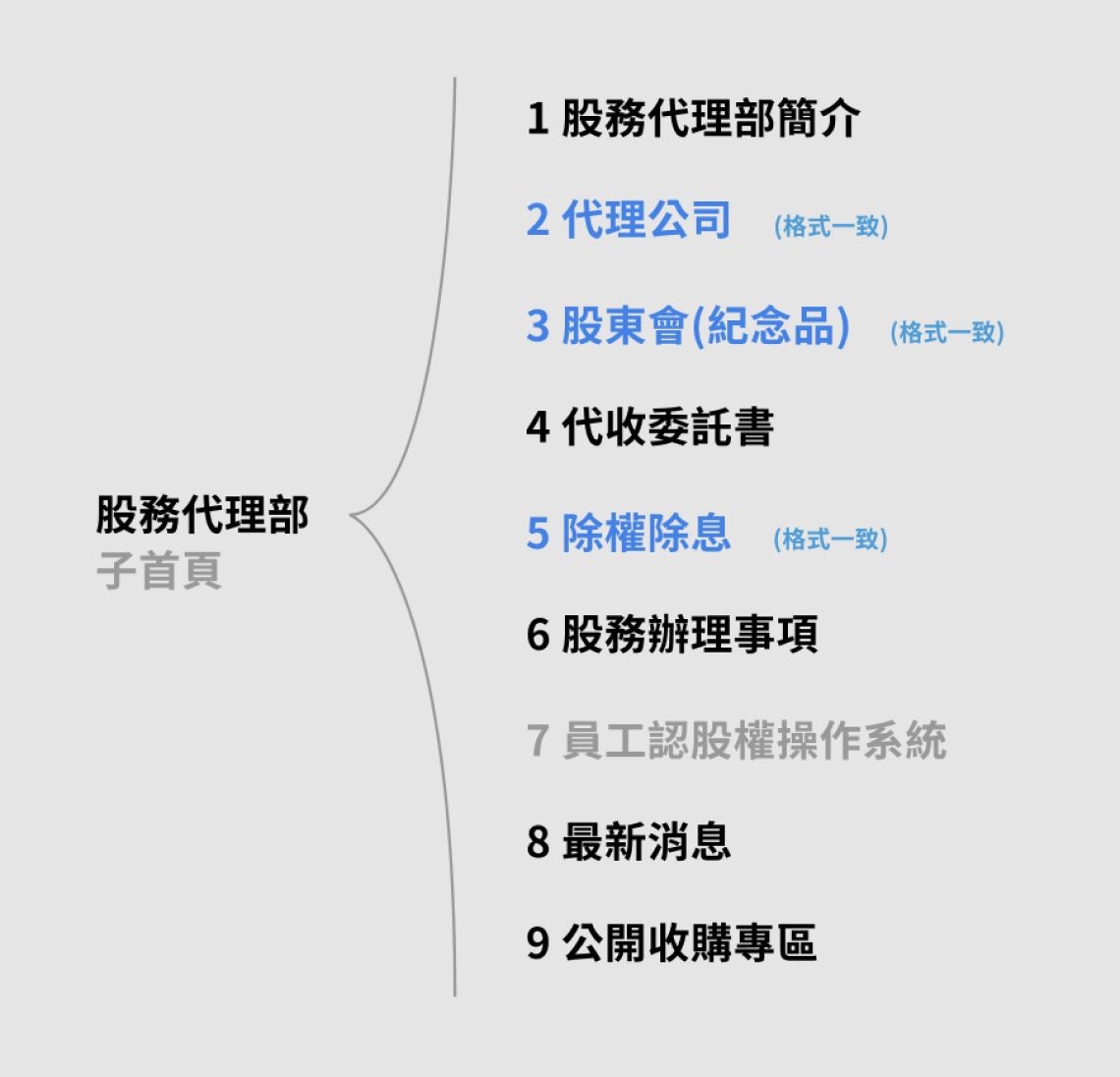
Restructuring the IA
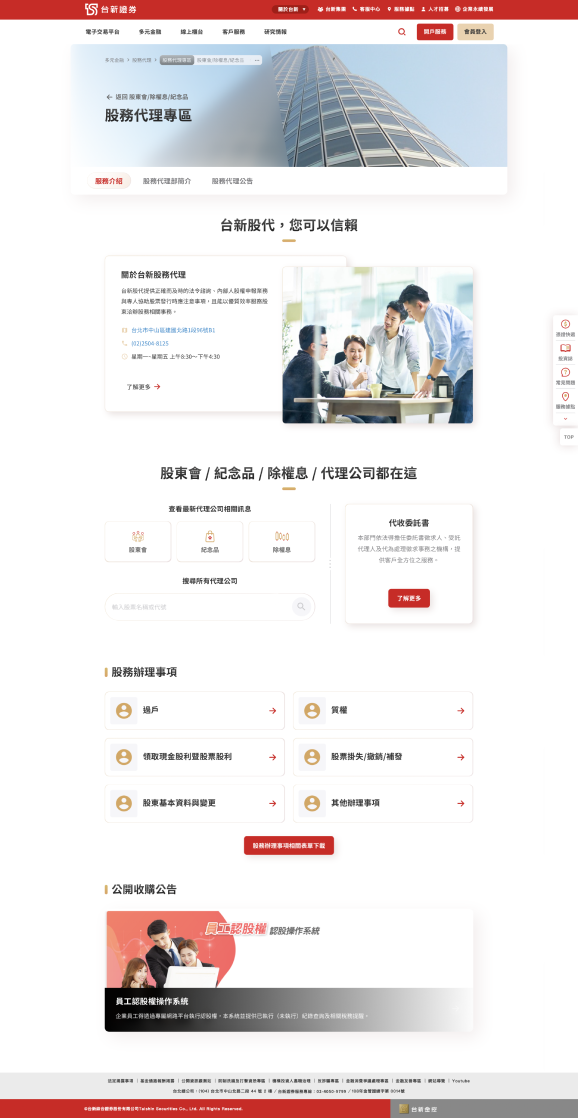
I combined the over-similar pages, and created a new homepage for stock affairs.
Step 2
Competitor Analysis
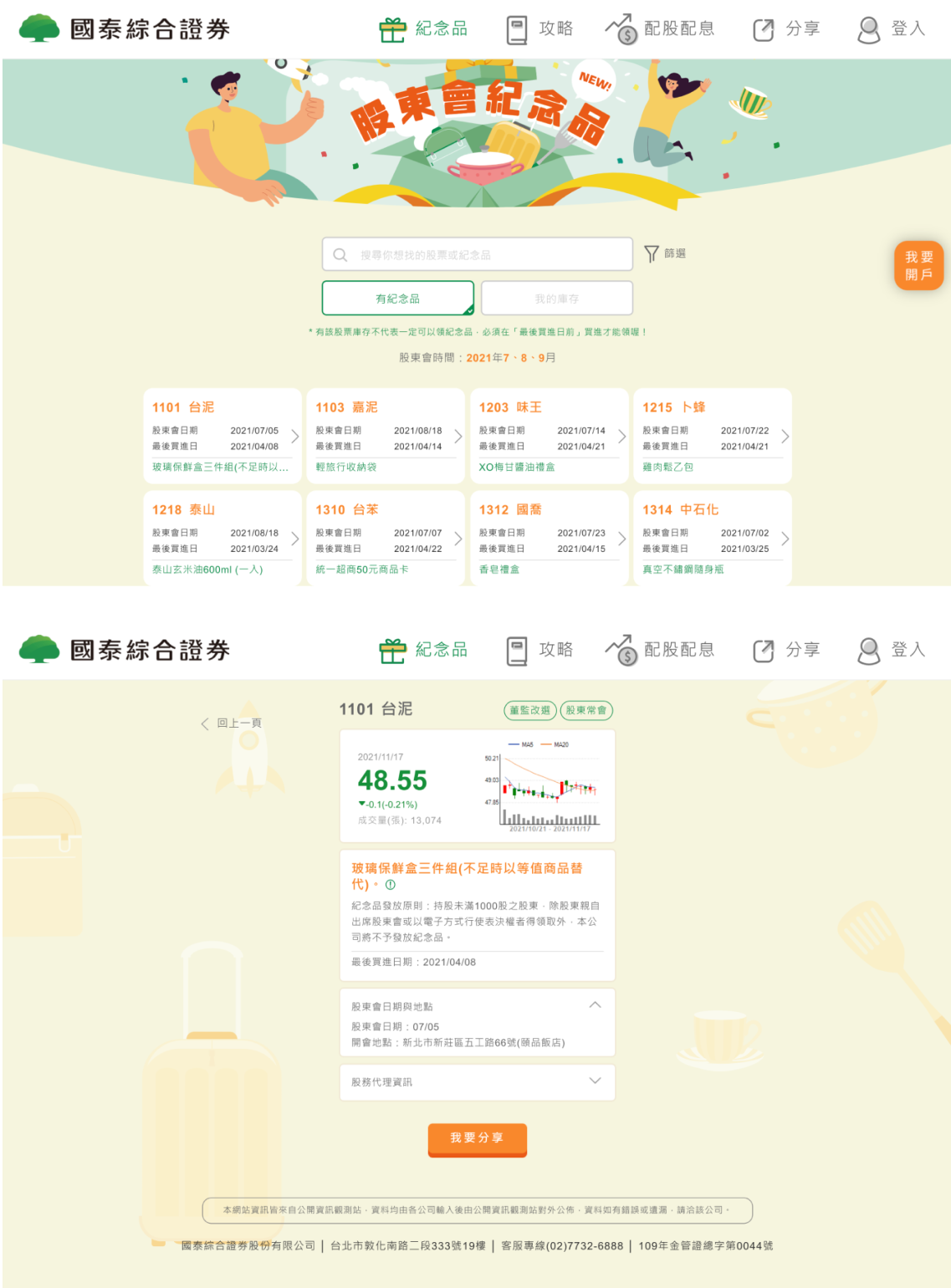
I looked up other websites that present stock affairs and took reference of how they designed the information.
Step 3
Wireframing
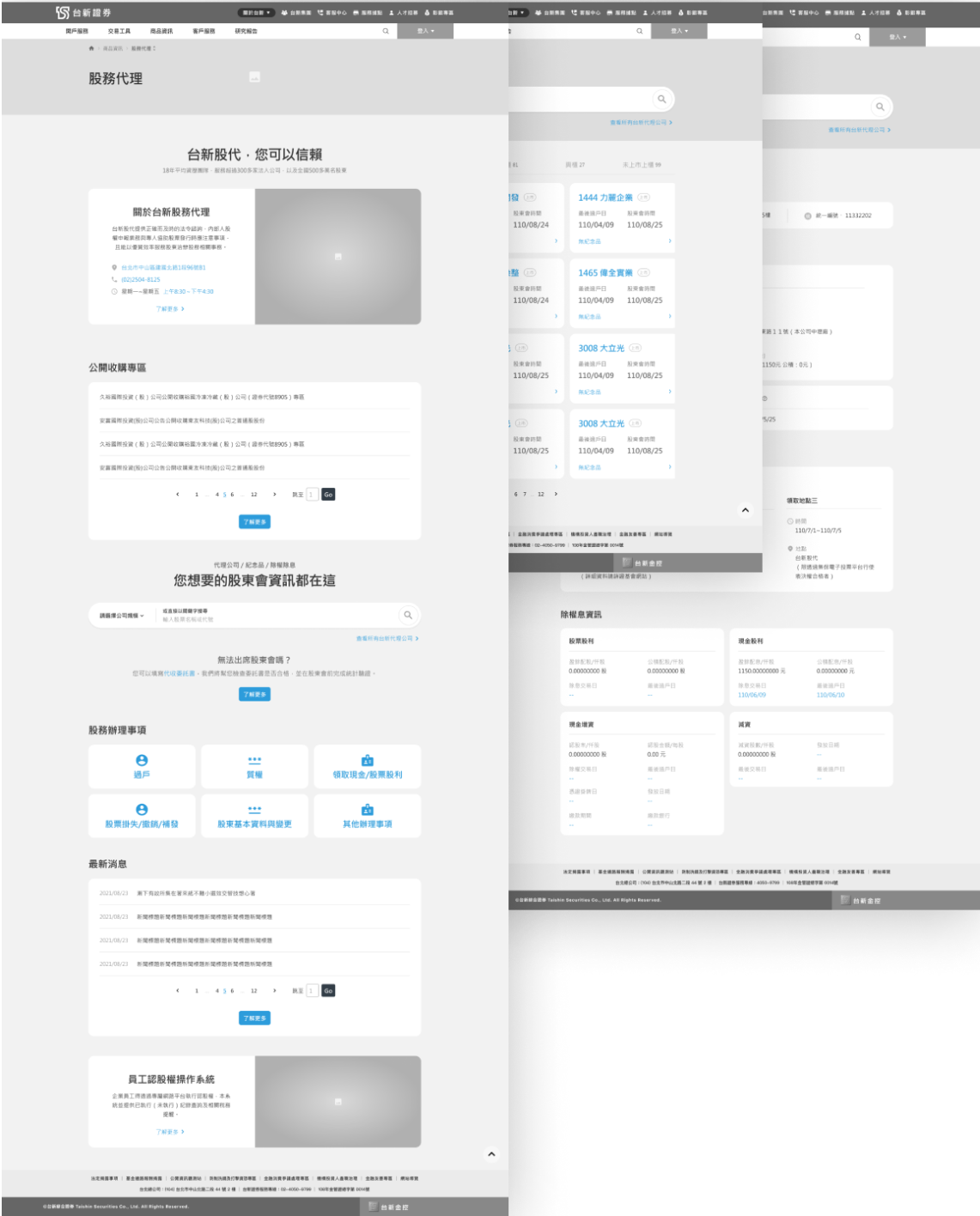
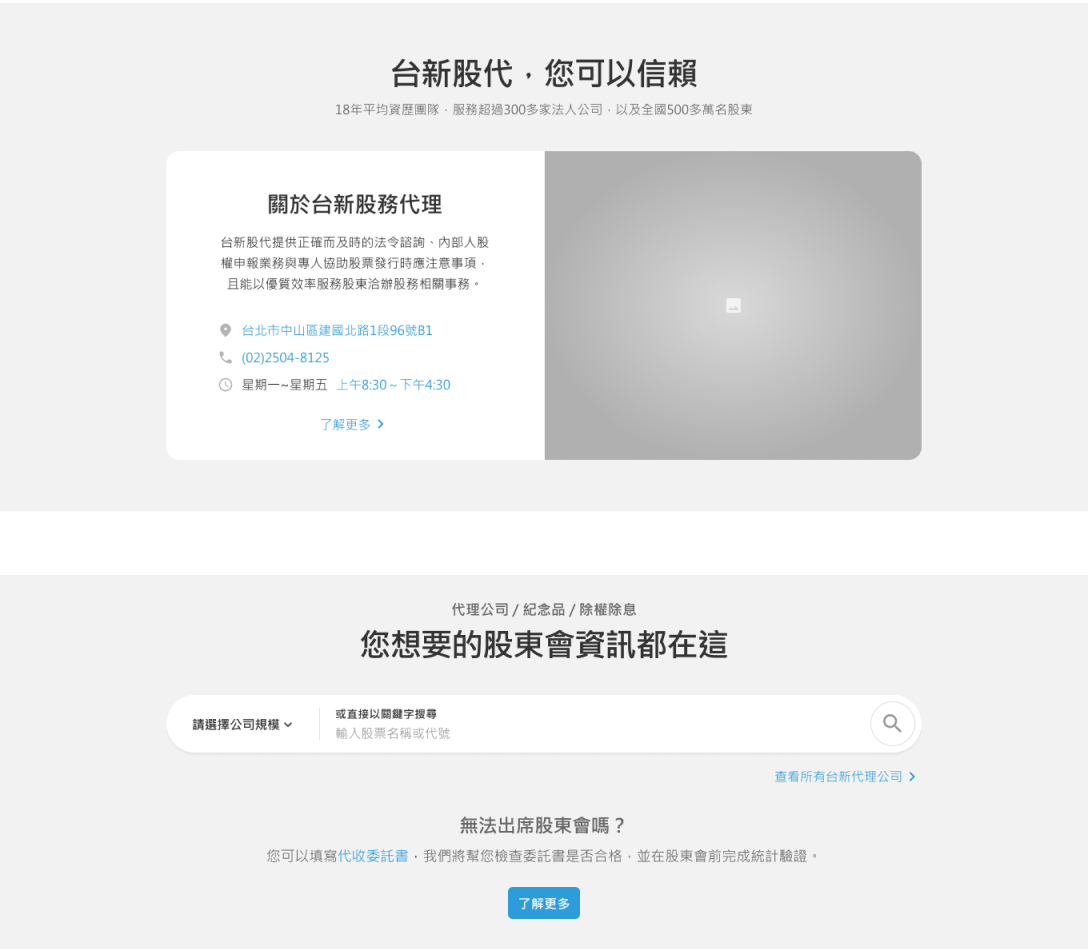
After determining how the new page would offer stock affairs information, I visualize the information into monotone frames.
*Note: We wanted our clients to get a clearer vision of our design plans, therefore we chose to communicate with high-fidelity wireframes.
Step 4
Design Handoff
After finishing the wireframes, I documented the thought process and left annotations on design details in the Figma file, and the whole documentation was handed-off to UI designers to finish the mockup.
How I solved the painpoints...
Painpoint #1
Content isn’t curated for users to consume easily.
Solution #1
I designed a clear, dynamic homepage with visual hierarchy.
The amount of details (for the eight stock affairs) revealed, the usage of picture or icons, etc. helps user understand what affairs are offered. It also helps prevent the page from looking boring.
Interactive components that allow immediate action were also utilized. Through interactive components (e.g., search bar, cards), users can now take action from the outer page, saving time and effort.
Painpoint #2
Redundant information decreases the efficiency of finding information.
Solution #2
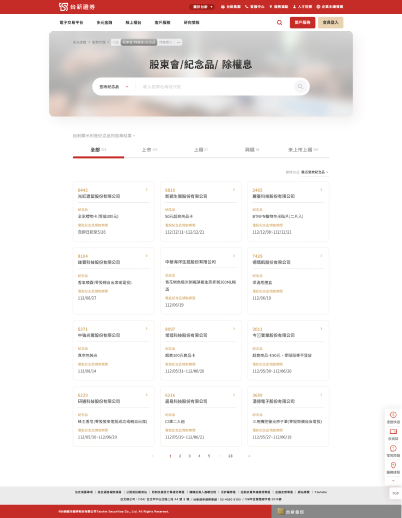
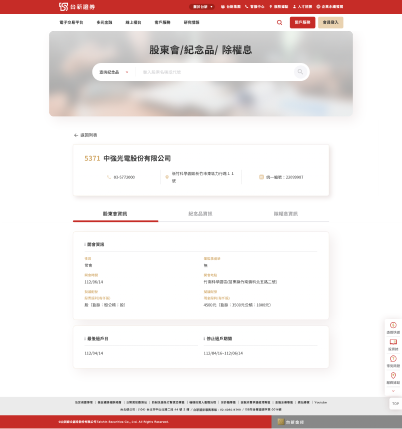
Information about shareholders’ meeting is merged into a page.
Users can search by entering the agency name or the stock ID/ name, and find all information on the same page, no need to switch between pages to gather all information.
Painpoint #3
Unwanted content wastes users’ scarce attention.
Solution #3
User-friendly content: 1.Less words 2.Friendly tone 3.Easy-to-understand wording